Live countdowns
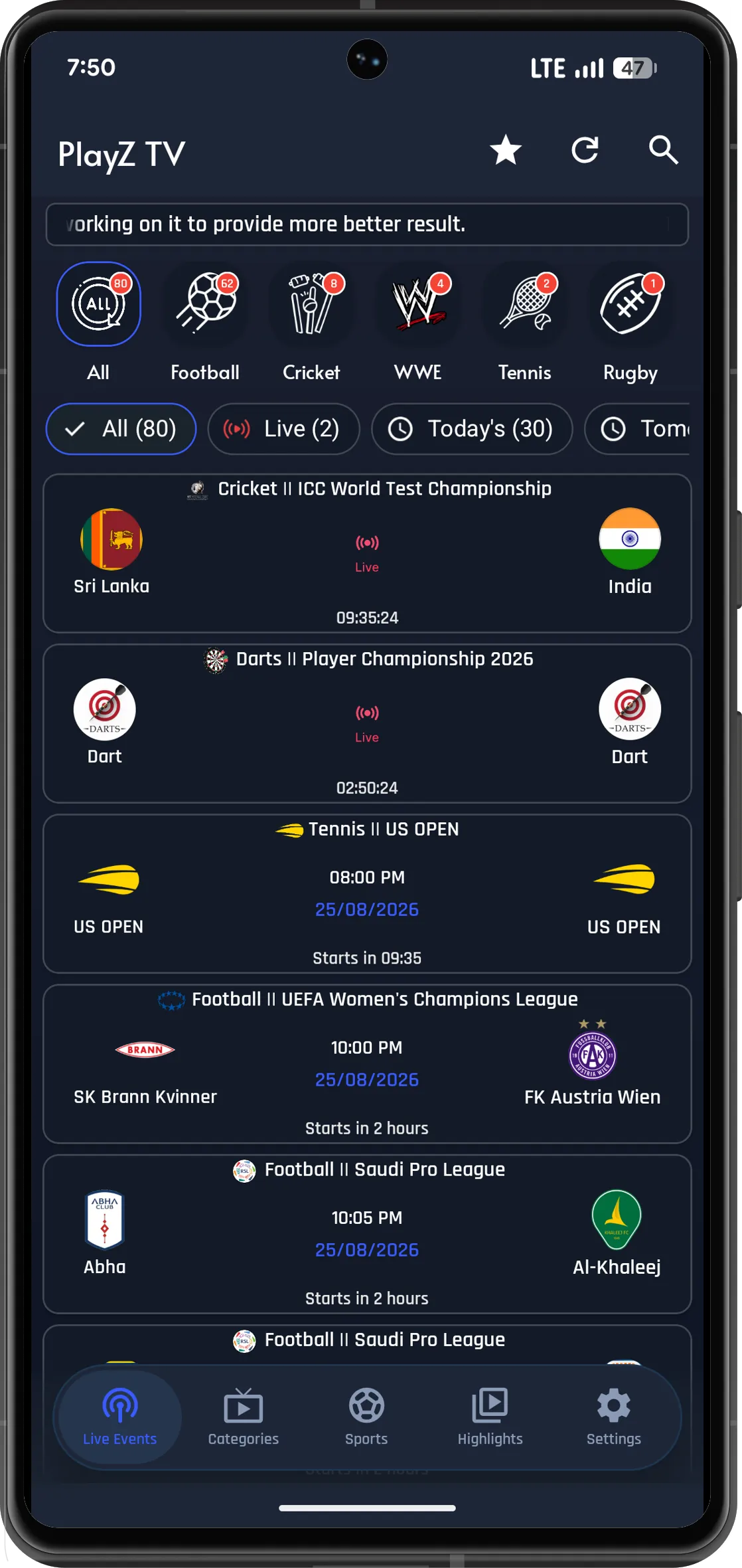
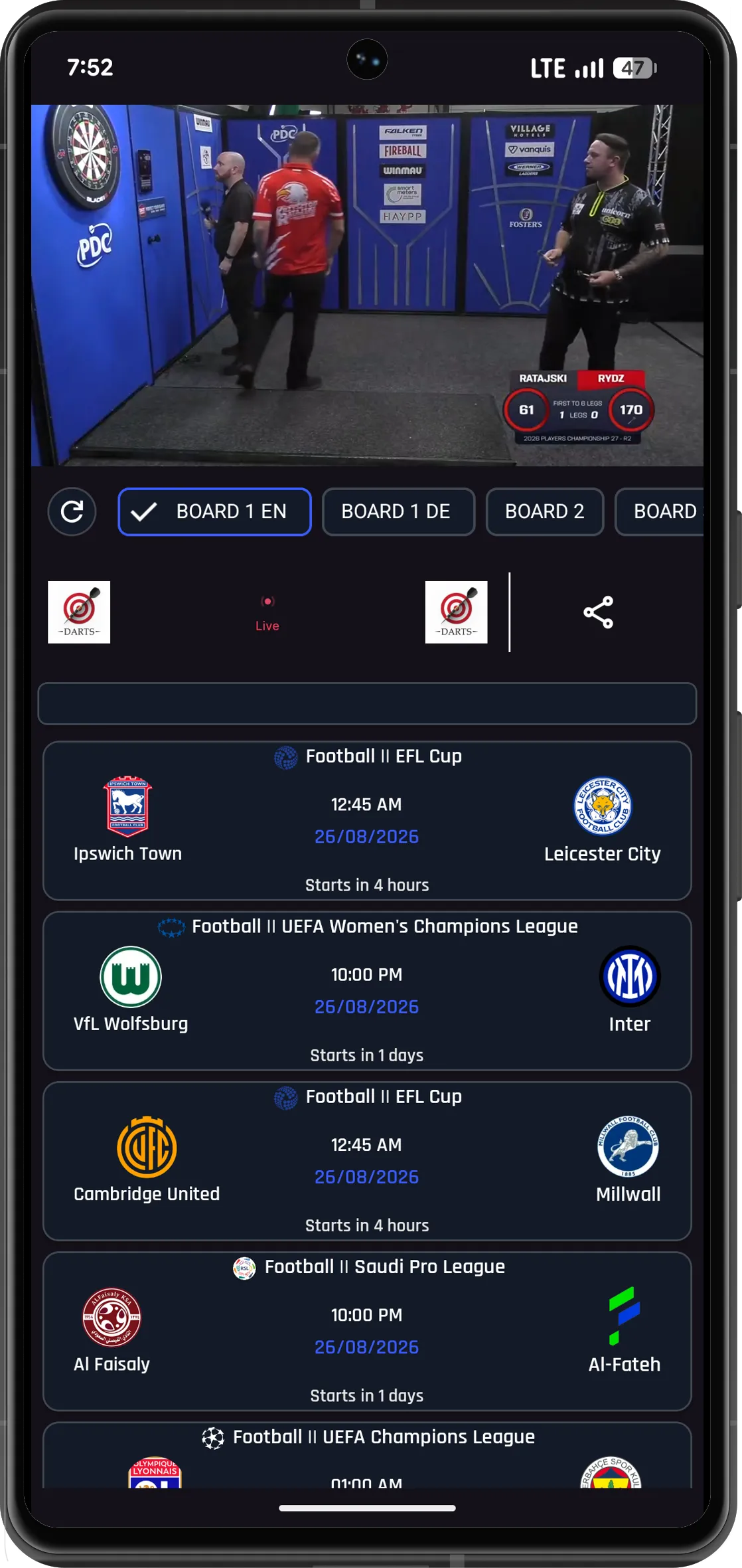
Every fixture card displays a running timer — from "Starts in 2 hours" before kick-off to a pulsing red Live badge once play begins.
PlayZ TV gathers the day's football, cricket, tennis, WWE, rugby and motorsport matches onto one screen — organised by discipline, filtered down to whatever is live at this moment, and paired with a highlight reel for anything you missed. Download the current 11 MB APK below and get it running in under sixty seconds.
PlayZ TV is a compact Android application that pulls together sports fixtures from across the week and presents them in one tidy, dark-themed list. Rather than hopping between multiple websites to figure out when a particular match begins, you open a single screen and see the full picture — complete with a countdown beside each event and a red Live indicator on anything currently underway.
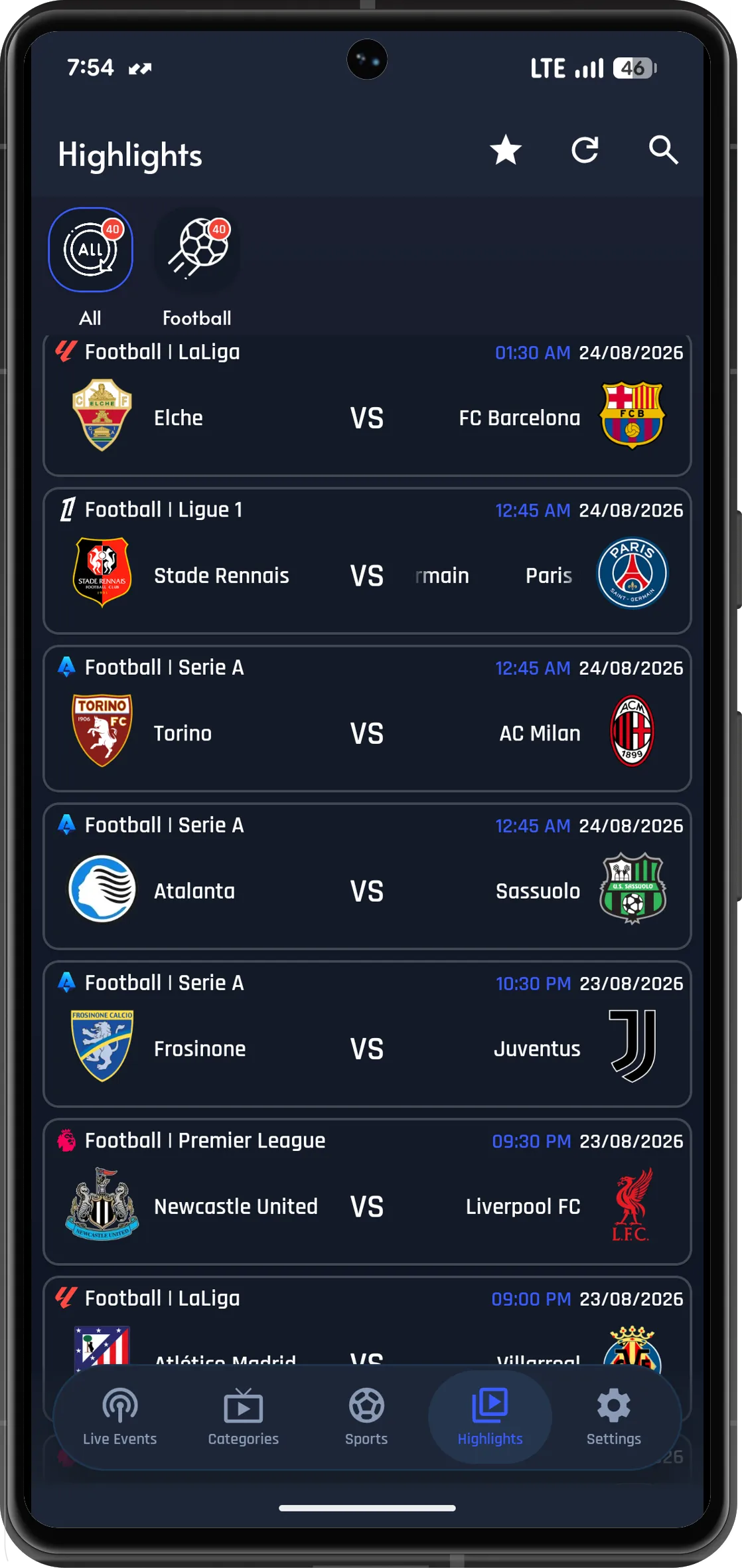
The main screen opens with a sport selector: All, Football, Cricket, WWE, Tennis and Rugby, each displaying a badge that shows how many events it contains. Directly beneath sit time filters for Live, Today's and Tomorrow's events — so trimming an 80-fixture day down to the two matches you actually want takes just one tap.
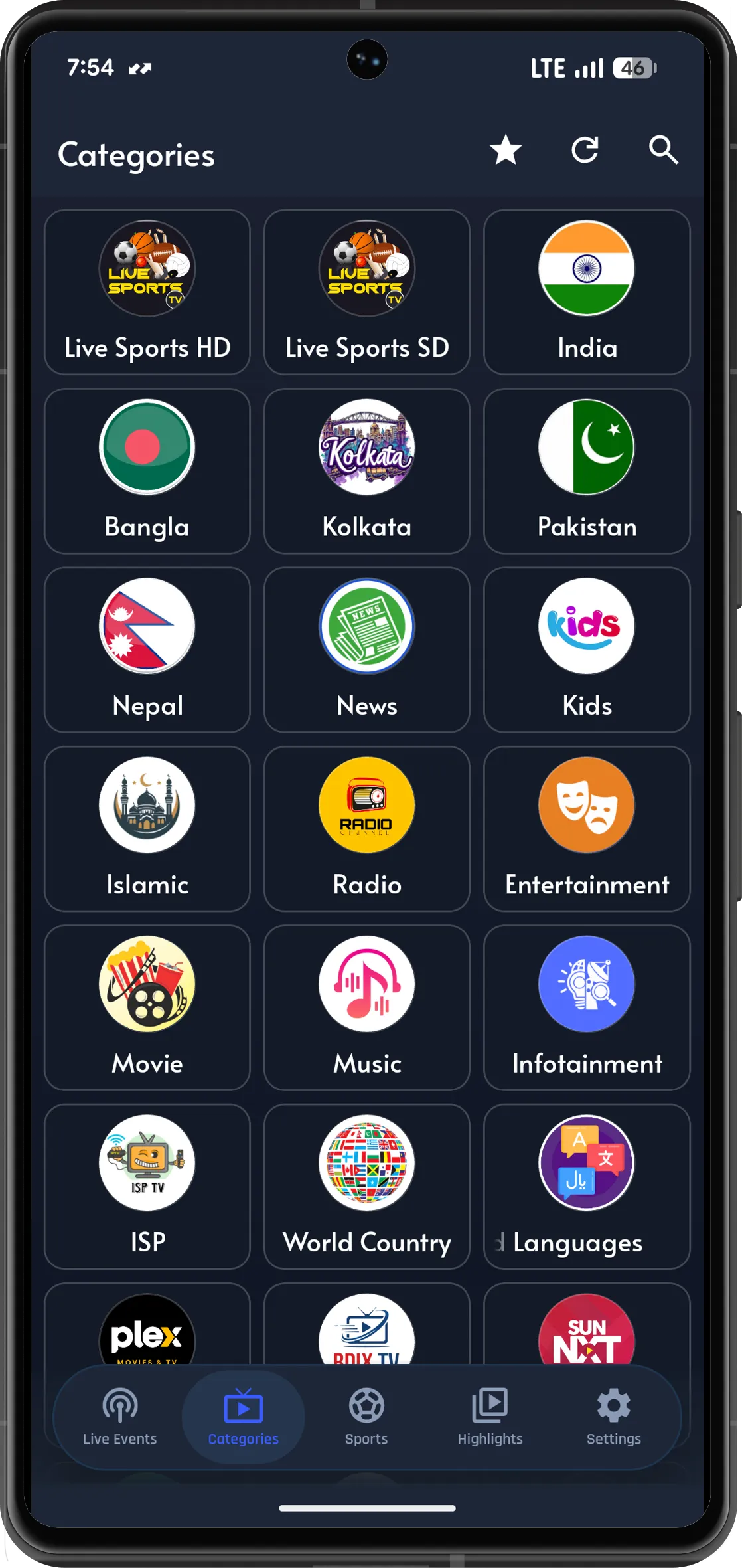
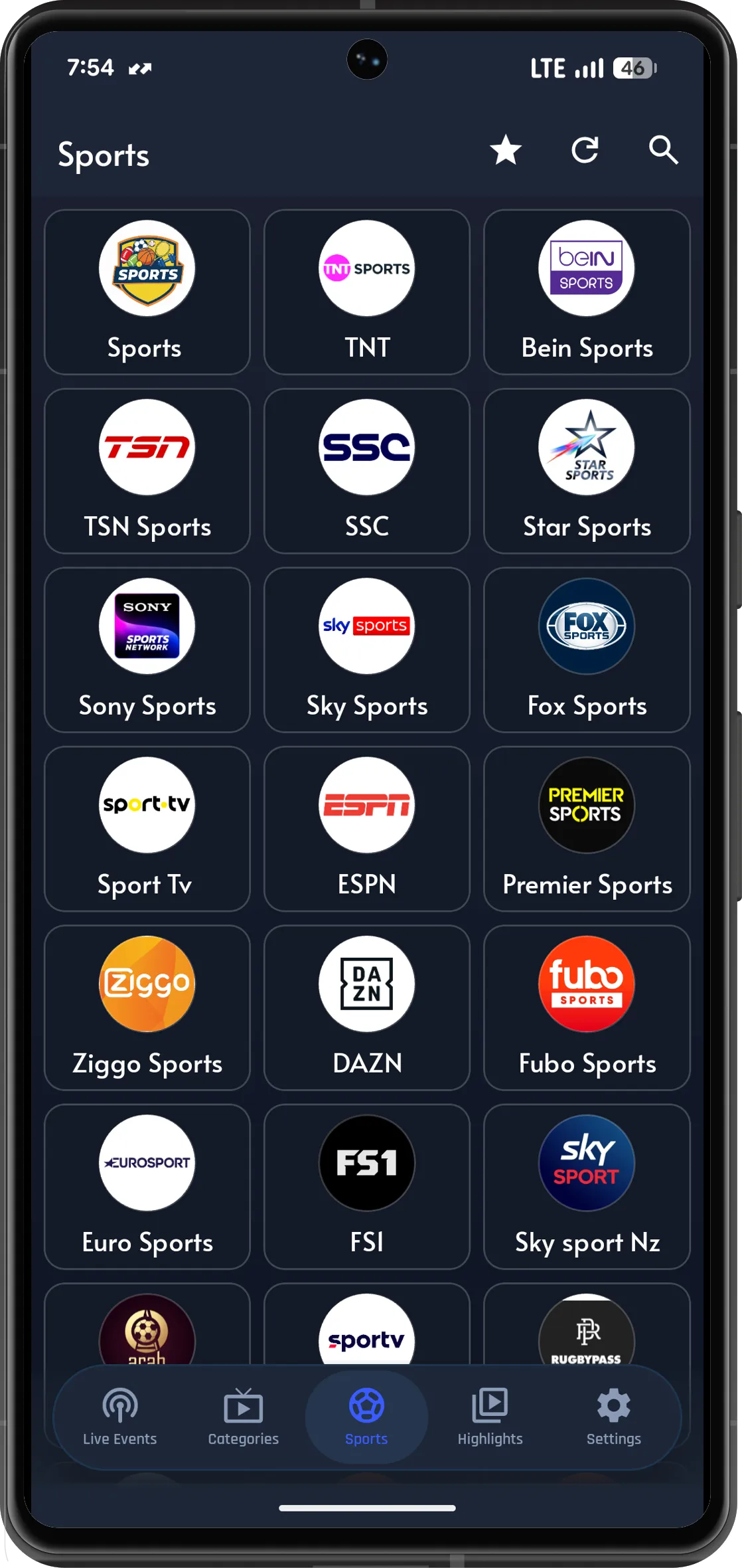
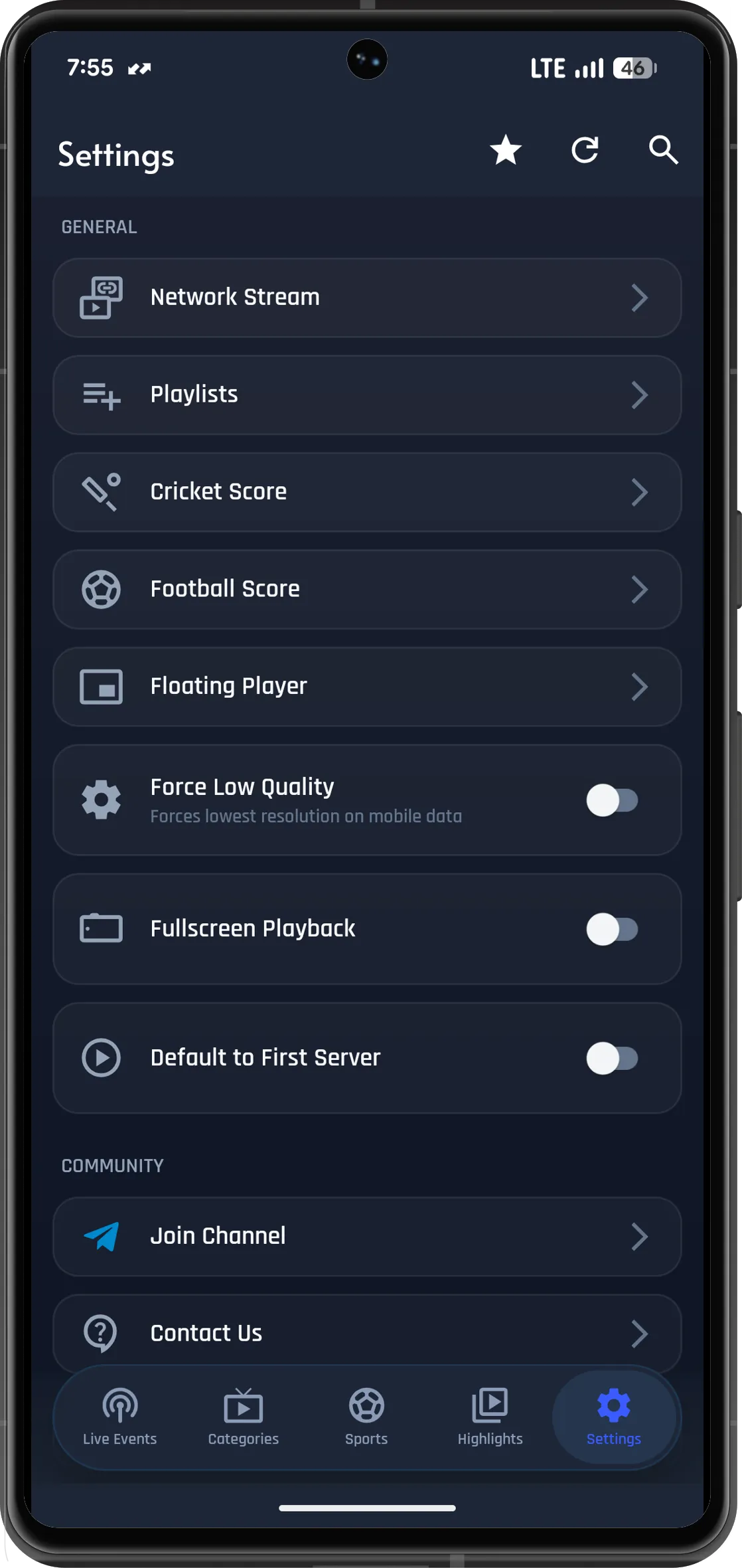
A bottom navigation bar divides the remaining sections into Live Events, Categories, Sports, Highlights and Settings. Speed drives the entire design: no account, no onboarding carousel, and an installation file small enough to grab over mobile data.
| App name | PlayZ TV |
|---|---|
| Latest version | v2.3.1 (Fresh Stable Build) |
| Developer | PlayZ Team |
| File size | 11 MB |
| Requirement | Android 5.0 or above |
| Category | Sports & Entertainment |
| License | Free |
| Account needed | No |
| Root required | No |
| File type | APK (.apk) |
Every single screen inside PlayZ TV exists to answer one question faster than anything else: what is playing, and when does it start?
Every fixture card displays a running timer — from "Starts in 2 hours" before kick-off to a pulsing red Live badge once play begins.
Football, cricket, badminton, WWE, motorsport, tennis, rugby and darts each get a dedicated tab with a live count badge.
Flip between All, Live, Today's and Tomorrow's fixtures instantly — no reload, no scrolling past yesterday's results.
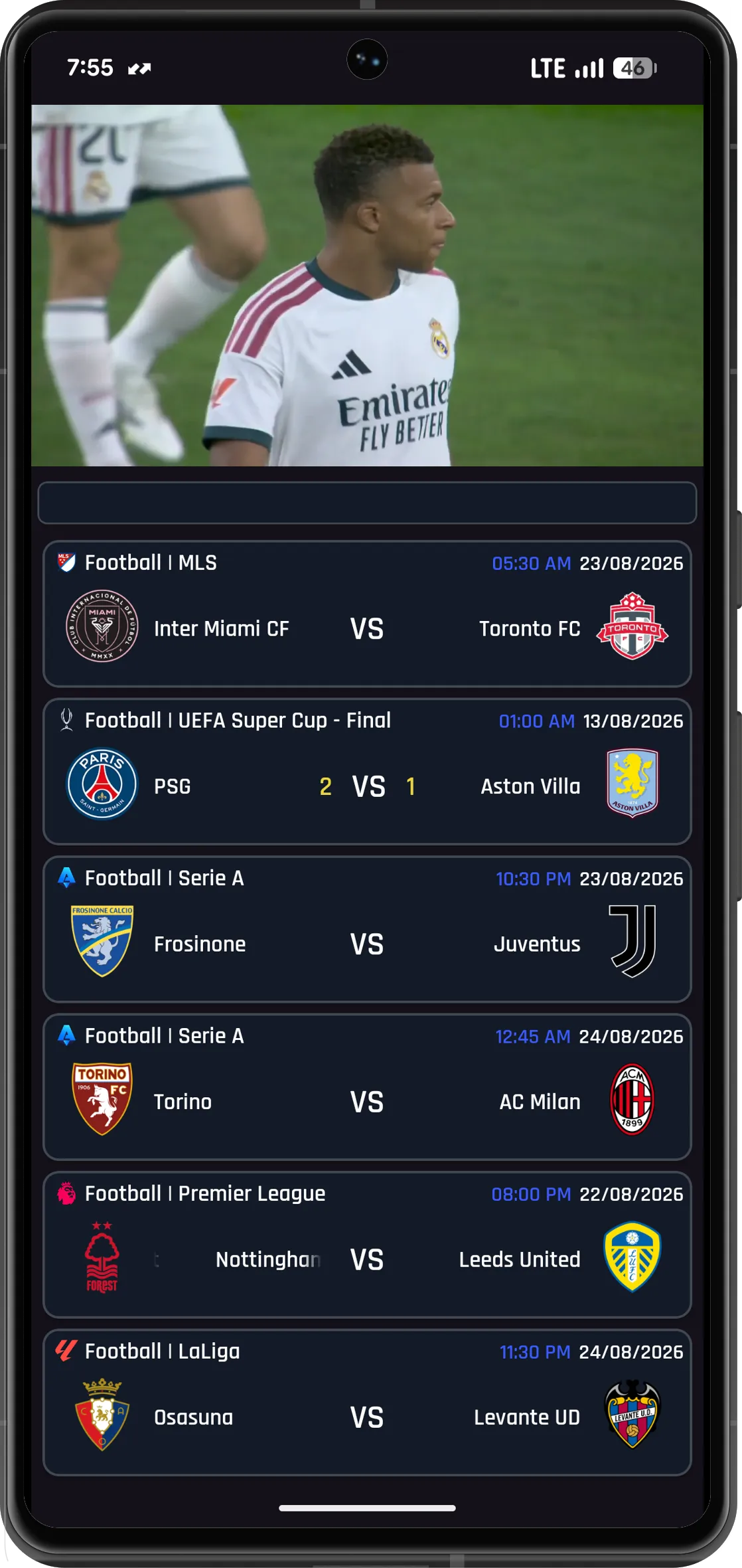
A dedicated Highlights tab groups finished matches by league and date, so catching up on a game you missed takes just two taps.
Star the competitions you follow and they rise to the top of your list whenever the app opens.
Type a club, country or competition name and the list filters as you go — handy when a single day carries 80 or more events.
Set a reminder on any upcoming fixture and PlayZ TV notifies you shortly before it begins, even with the app closed.
The same 11 MB install file runs across Android phones, tablets and Android TV devices, so only one download is needed.
At just 11 MB the APK installs fast, launches within a second or two, and stays smooth on older mid-range handsets.
Tap any screen to view it full size. Swipe or use the arrow keys to browse the collection.
Android blocks APK installations from unknown sources until you permit them. These steps walk through the entire process on any modern handset.
Tap the download button on this page. The file — roughly 11 MB — lands in your Downloads folder. Keep the browser tab open until the transfer completes.
Open Settings → Apps → Special access → Install unknown apps, select the browser you downloaded with, and switch Allow from this source to on.
Open playztv.apk from your notification shade or Downloads folder, review the permission summary, then tap Install.
Launch PlayZ TV, let the fixture list load, and star the competitions you follow. Nothing else needs configuring and no account has to be created.
That normally means an older copy with a different signature is still sitting on the device. Uninstall the existing PlayZ TV, free up about 100 MB of storage, then run the installer again. If Play Protect blocks it, choose Install anyway from the warning dialog.
Use this code in the Downloader app on your Android TV or Fire TV Stick.
Absolutely. The APK costs nothing and there is no premium tier, trial window or paid unlock. No payment information is ever requested.
The app ships as a direct APK download rather than a Play Store listing, so installation is done by hand. The only requirement is enabling installs from whichever browser you used.
Android 5.0 or newer. Devices running Android 9 and above handle it smoothly. Practically speaking, 2 GB RAM plus 100 MB of free space is the minimum.
Return to this page, grab the newest APK, then install it directly over your current copy. Android recognises it as an update, so saved favourites remain untouched.
Yes — the same installation file runs on Android TV boxes and streaming sticks. Because most TV units lack a browser, sideload the APK using a file transfer tool first.
Not at all. The app launches directly into the live events screen. No registration, no email verification and no phone number is required.
Currently no. PlayZ TV supports Android exclusively. iOS blocks APK-style sideloading across most regions.
Play Protect alerts you about any app installed outside the Play Store by default. It signals an unfamiliar source, not a malware detection. Tap Install anyway to proceed.
Verify your internet connection first — fixture data refreshes every session. If the screen remains blank, clear the app cache and relaunch it.